logoContact ↗Contact ↗ (opens in a new tab)
  • 1. Introduction
  • 2. Logging in
  • 3. Protein database upload
  • 4. Spectral library upload
  • 5. Project
  • 6. Experiment
  • 7. Raw file upload
  • 8. SageDDA, SageDIA and SagePRM analysis
    • 9.1 Select an existing parameter file
    • 9.2 Database and Enzyme
    • 9.3 Modifications
    • 9.4 Tolerance
    • 9.5 Quantification
    • 9.6 Sample annotation
    • 9.7 Review and Submit
    • 9.8 View and Download Results
    • 10.1 Select an existing parameter file
    • 10.2 Spectral Library & Params
    • 10.3 Review and Submit
    • 10.4 View and Download Results
    • 11.1 Coming soon
  • 12. View and download results
  • 13. Quality control
  • 14. Command line tools
    • 14.1 mzParquet Converter
    • 14.2 SageDDA command line how-to
      • 14.3.1 SageDIA Command line how-to
      • 14.3.2 SageDIA parameters
  • Algorithms
    • 15.1 Overview
    • 15.2 Label-Free Quantification (LFQ)
Question? Give us feedback → (opens in a new tab)Edit this page
8. SageDDA, SageDIA and SagePRM analysis

SageDDA, SageDIA and SagePRM analysis

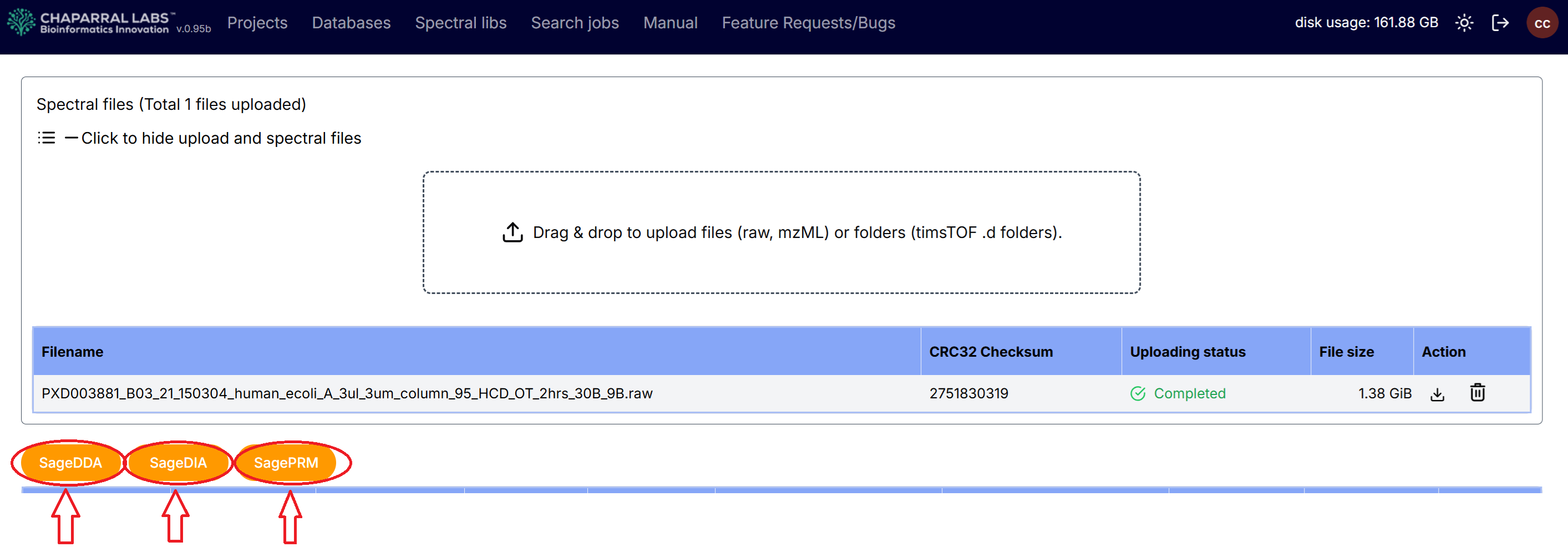
After an experiment has been created, and raw spectral files have been uploaded to the experiment, SageDDA, SageDIA or SagePRM analysis can be selected.

7. Raw file upload9.1 Select an existing parameter file

Chaparral Labs, Inc