Create an experiment
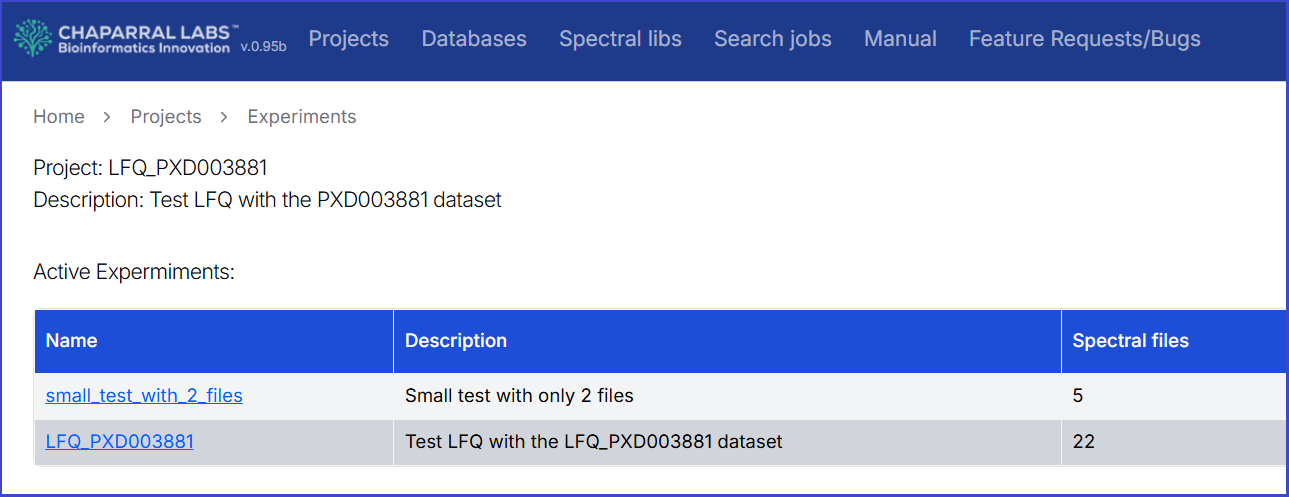
Click the "Name" of a project to display the list of experiments in the project. A project can have 0 to many experiments.
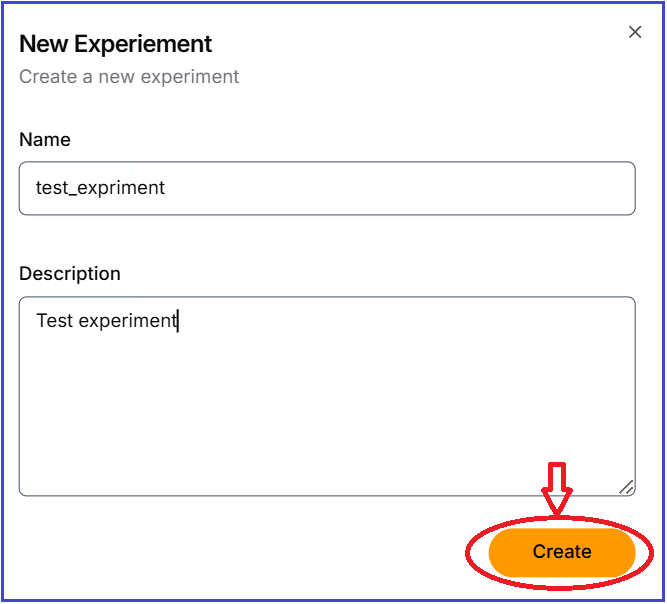
Click 'Add New Experiment' button, and complete "Name" and "Description" fields, and then click the "Create" button.
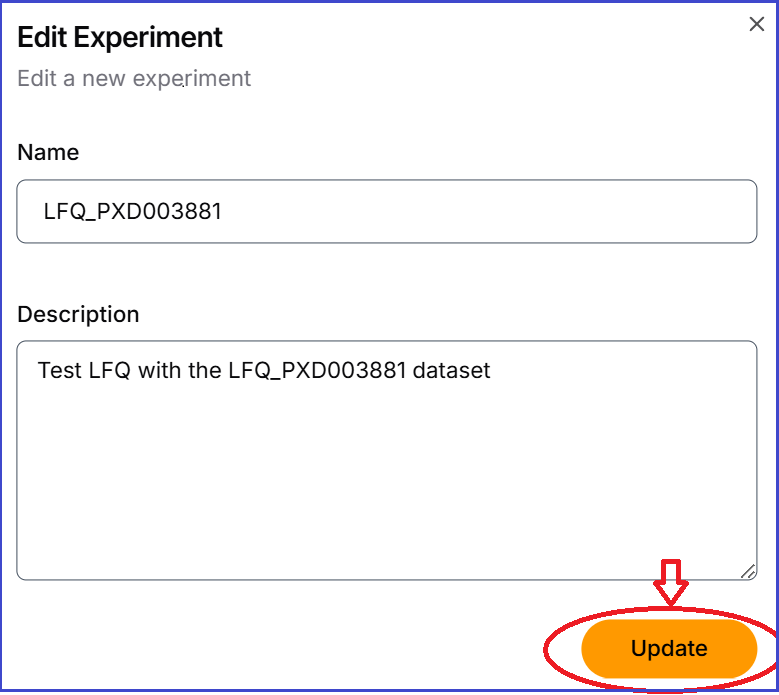
Updating a experiment information
Click the pen symbol in "action" column of an experiment to modify its name and description, and then click the "Update" button.