Logging in
Enter https://chaparral.ai (opens in a new tab) in your browser’s navigation bar. Click the 'GET STARTED' button to access the Chaparral Platform login page.

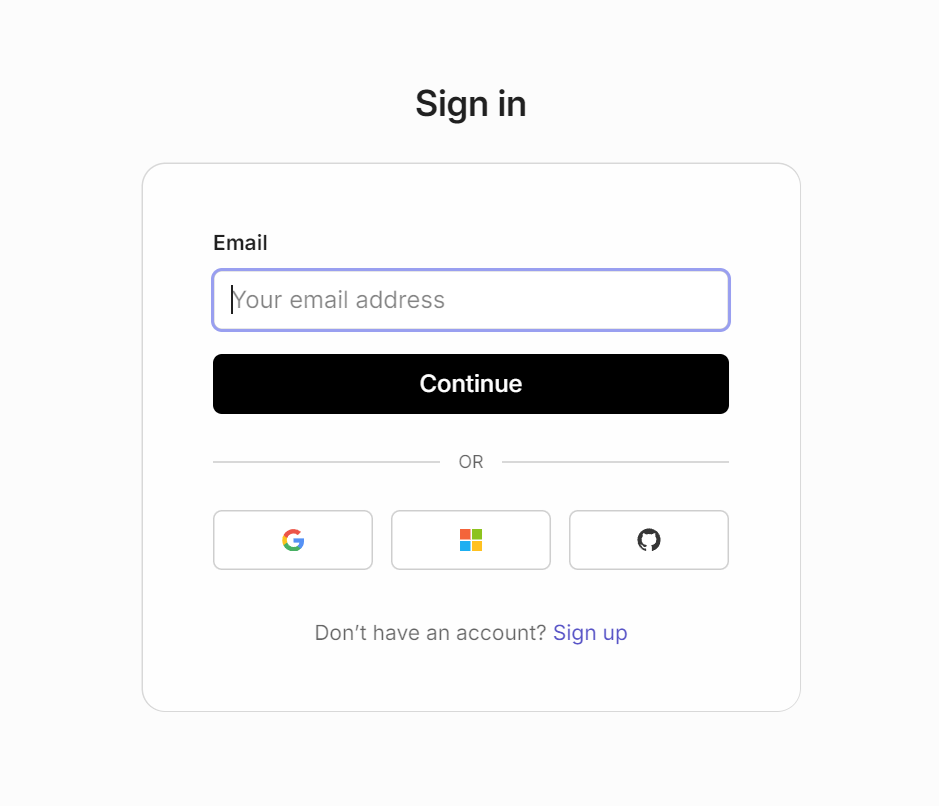
Users can login in with their existing Gmail, Microsoft or GitHub accounts. Alternatively, users can create a new Chaparral account by clicking 'Sign up' link.
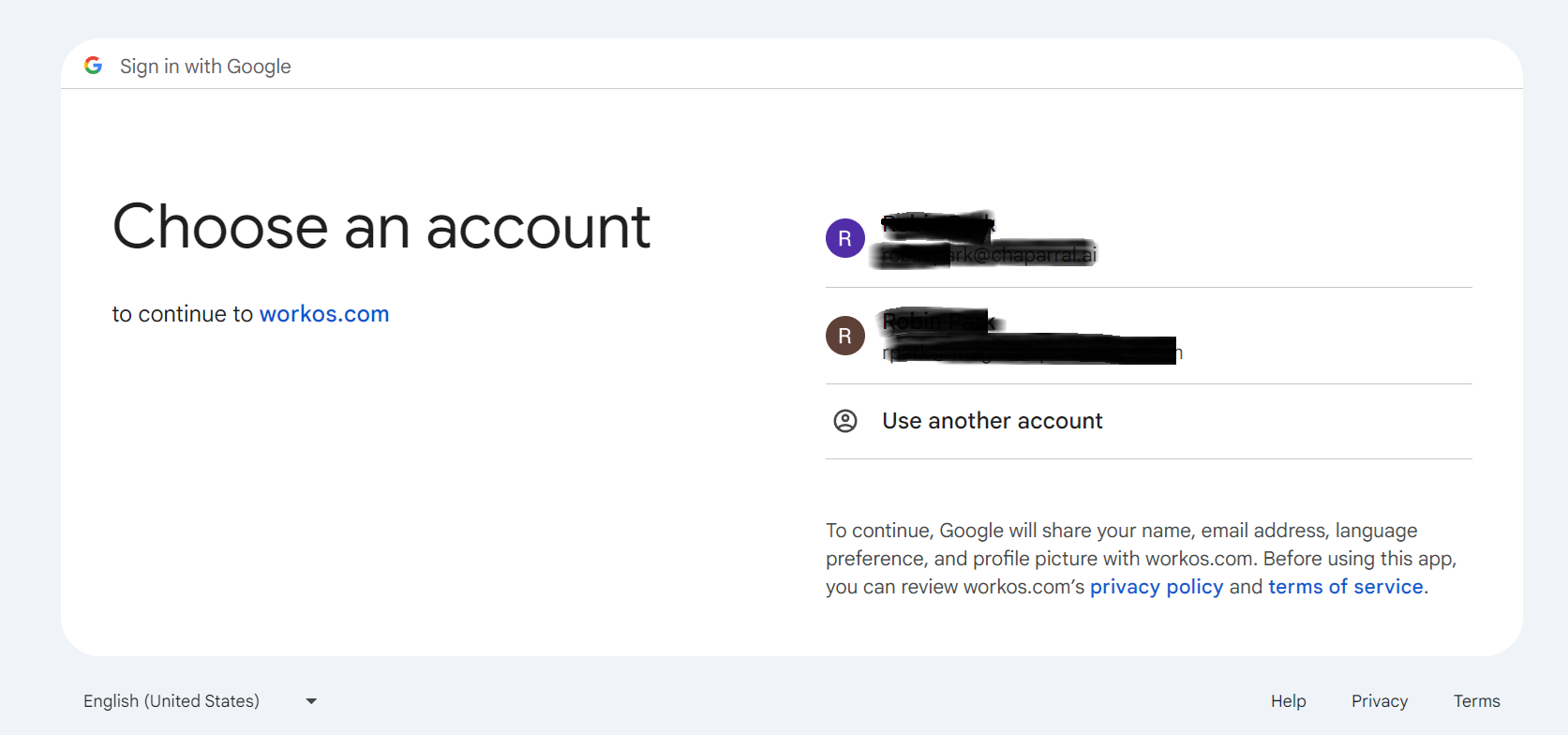
If users log in using their Gmail account, they must select which Gmail account to use.
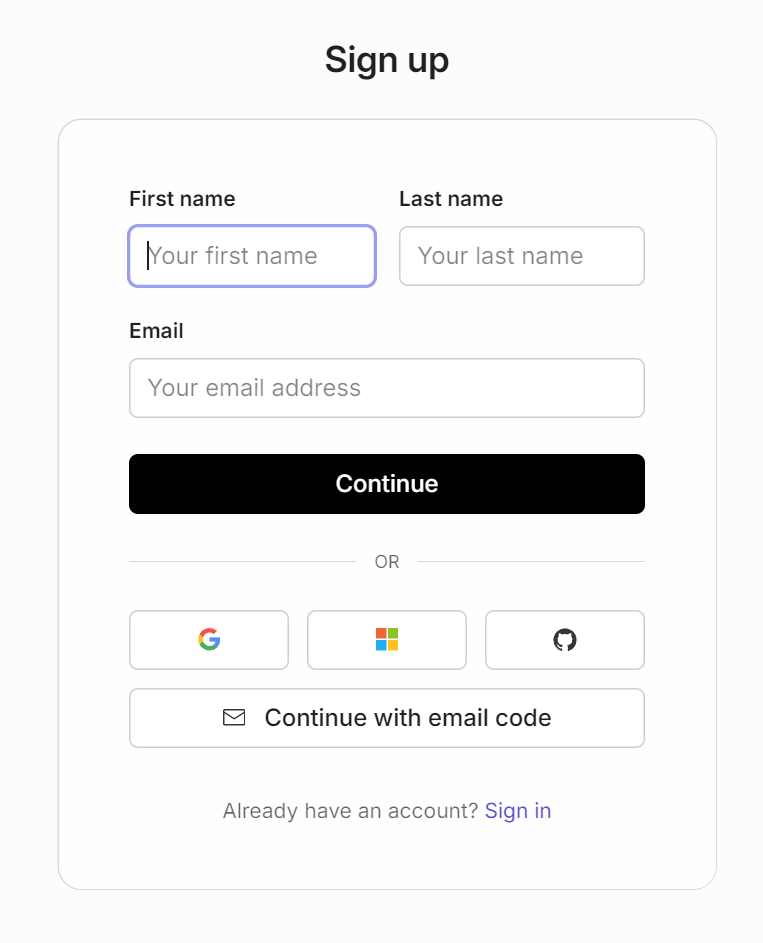
If users opt to create a new Chaparral account, they should complete the registration form.
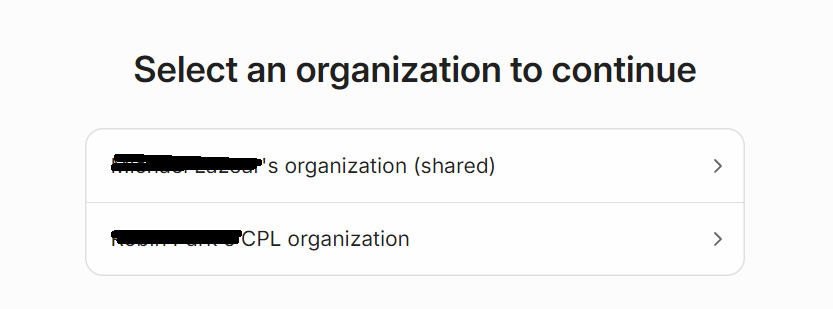
After logging in, users may be required to select an organization if they are associated with more than one. Otherwise, they will be directed automatically to the Chaparral main page.
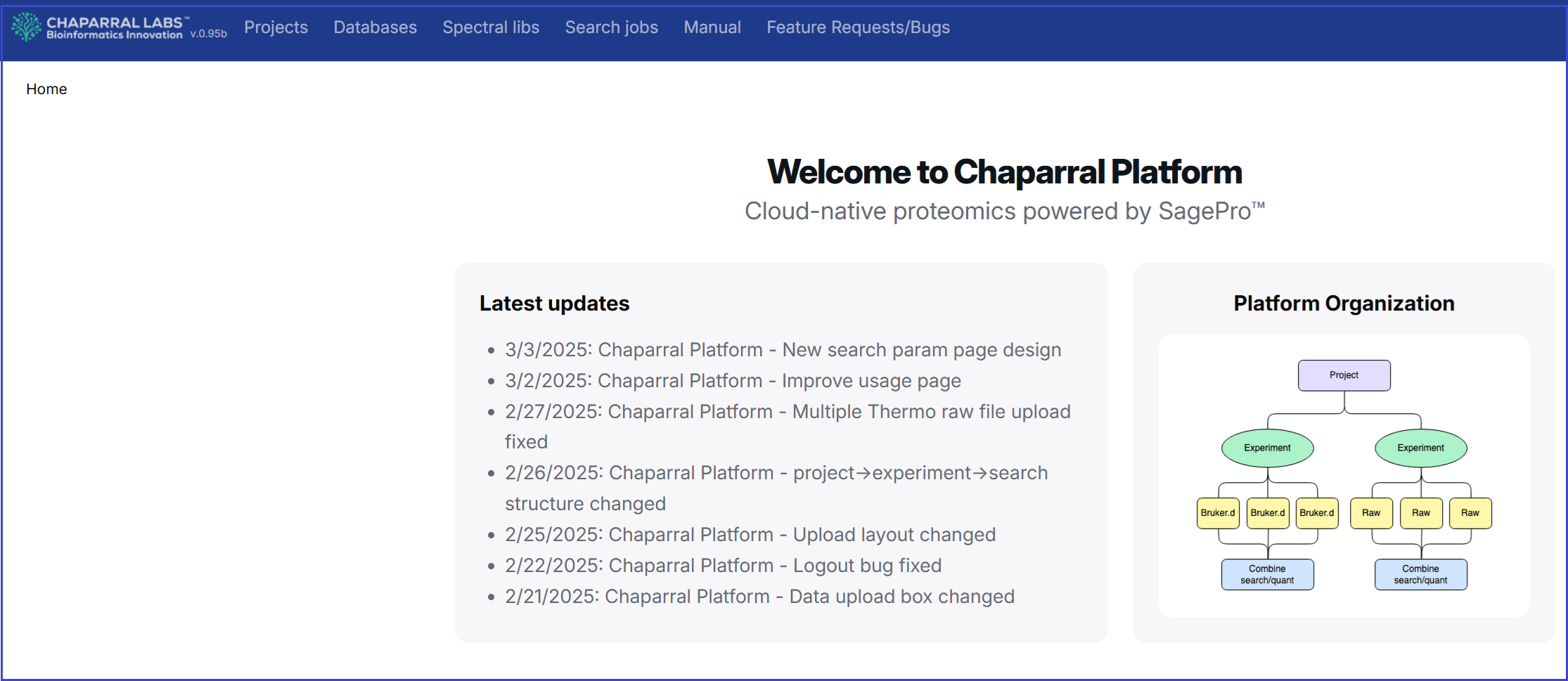
This is the main page of the Chaparral Platform. This section serves as your gateway to exploring tools for proteomics data analysis and visualization.