Raw file upload
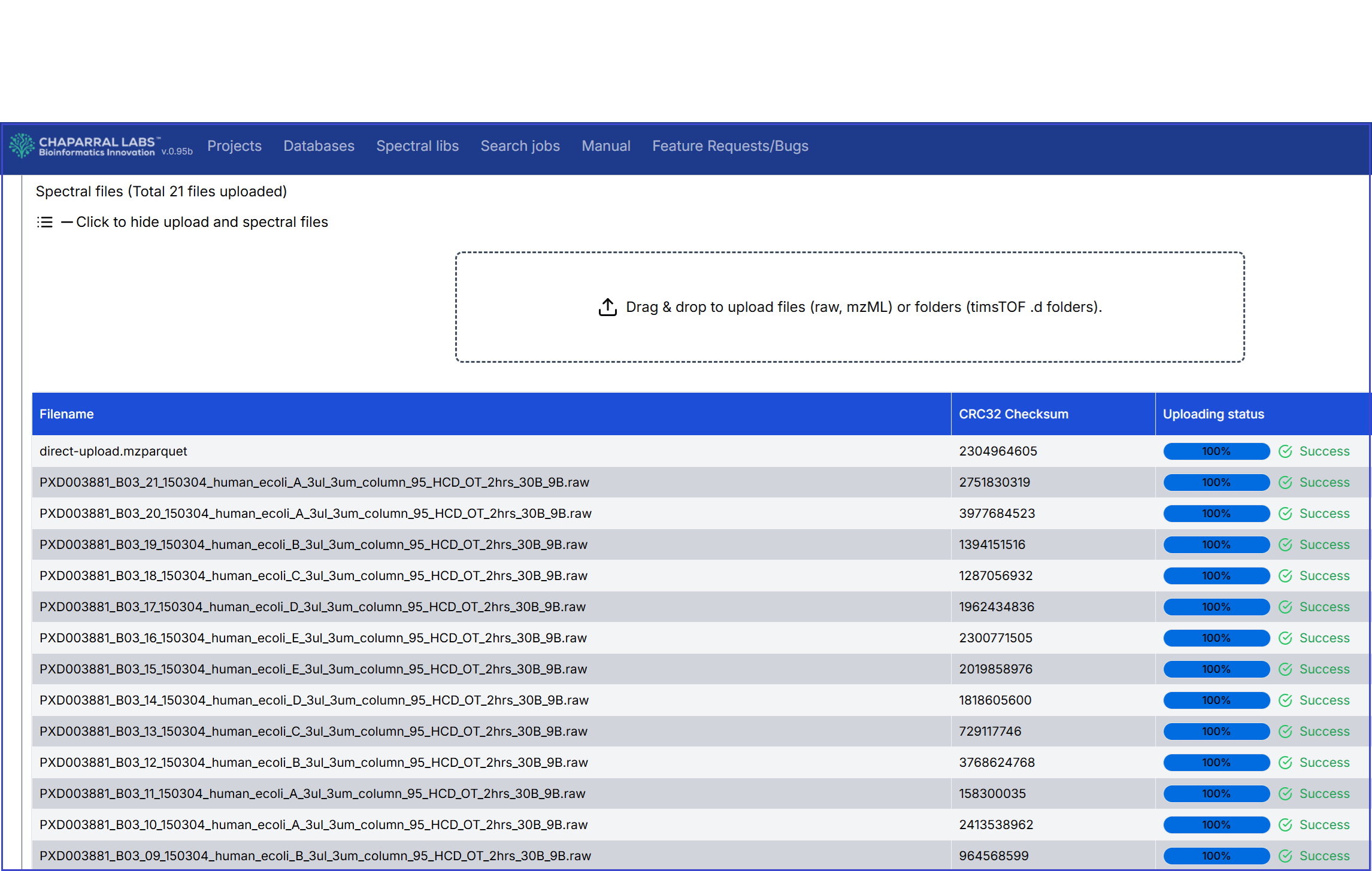
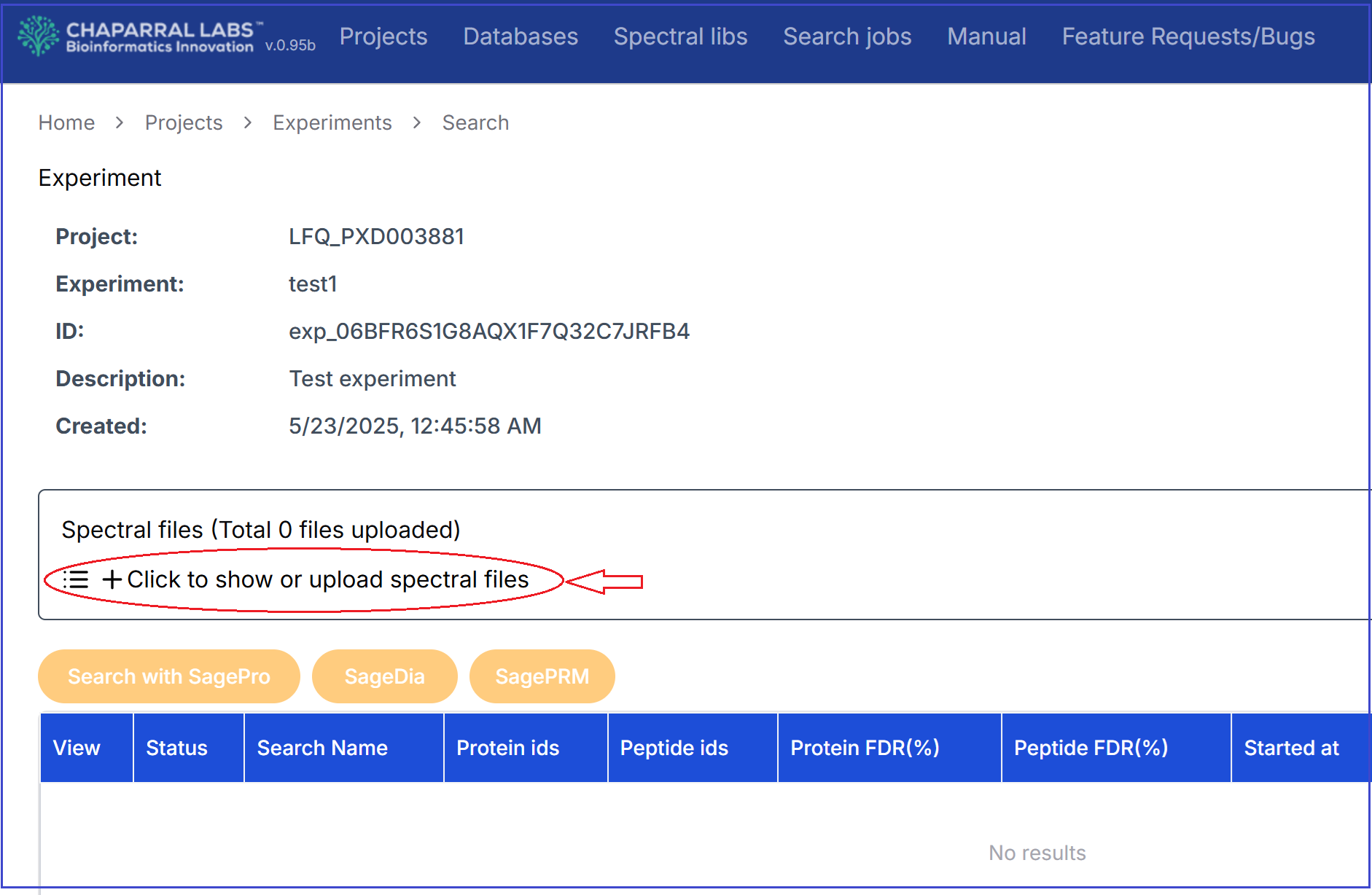
After an experiment has been created in a project, raw spectral files can be uploaded to the experiment. If the experiment already has files uploaded, users can upload additional raw files. User can upload raw files like Thermo orbitrap files, as well raw folders like Bruker timstof. User can drag and drop raw files (or folders). Or, users can click the file uploading area, and select raw files (or folders).
After you upload the raw files, they are automatically processed into an internal format. Upon completion, the uploaded files are displayed with 'Succeeded' status.