Spectral library upload
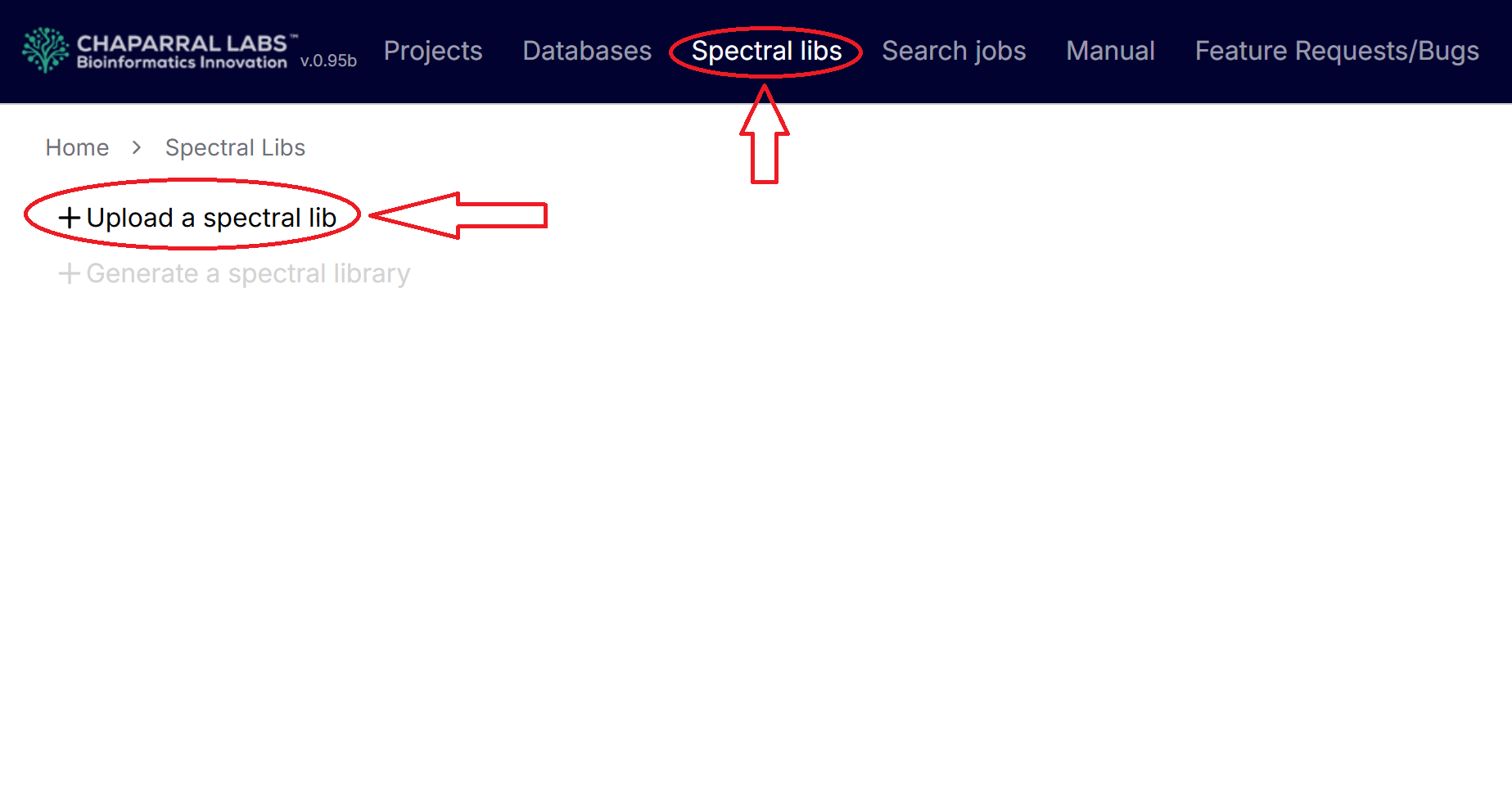
Click the "Spectral libs" menu to list the spectral libraries and click "Upload a spectral lib" to upload a spectral library. User can drag and drop library files to upload, or click the file uploading area, and select files to upload.
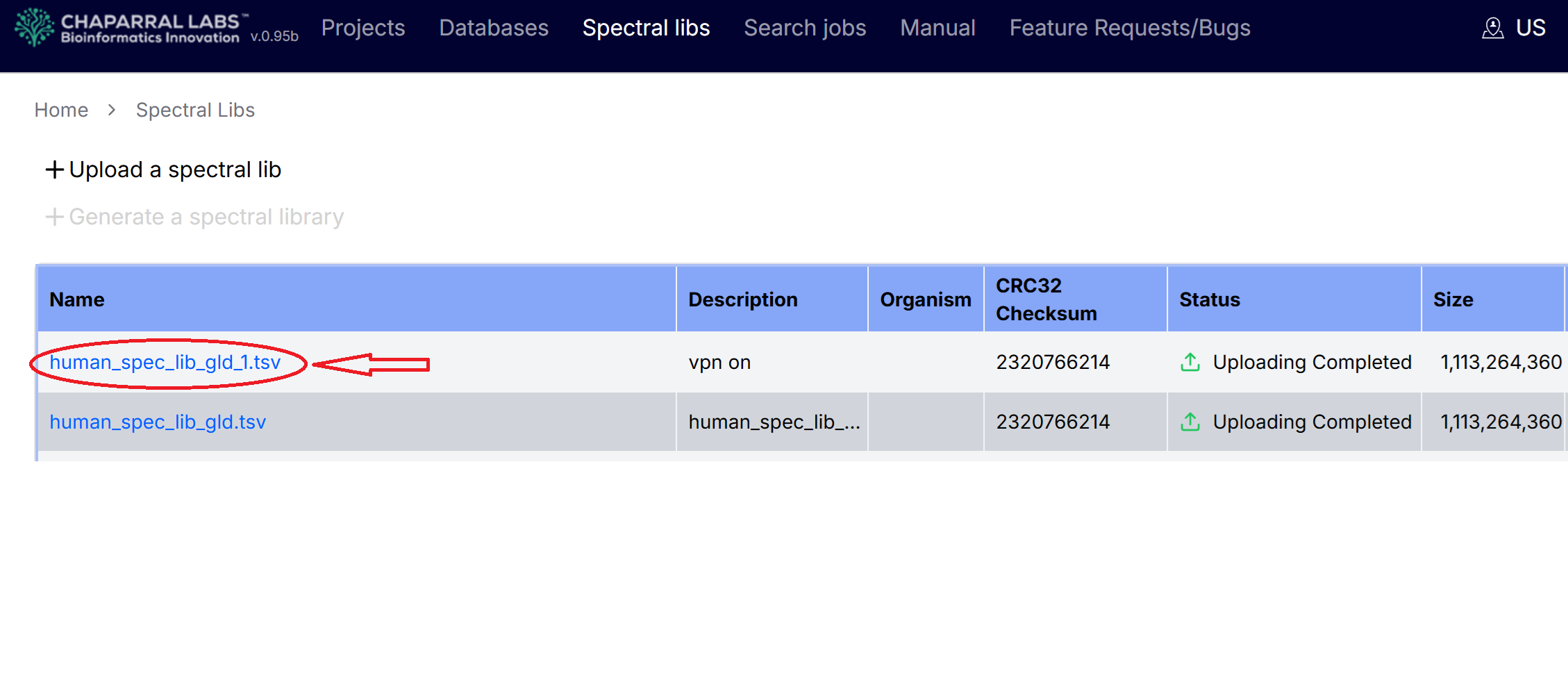
After uploading, click the spectral library name.
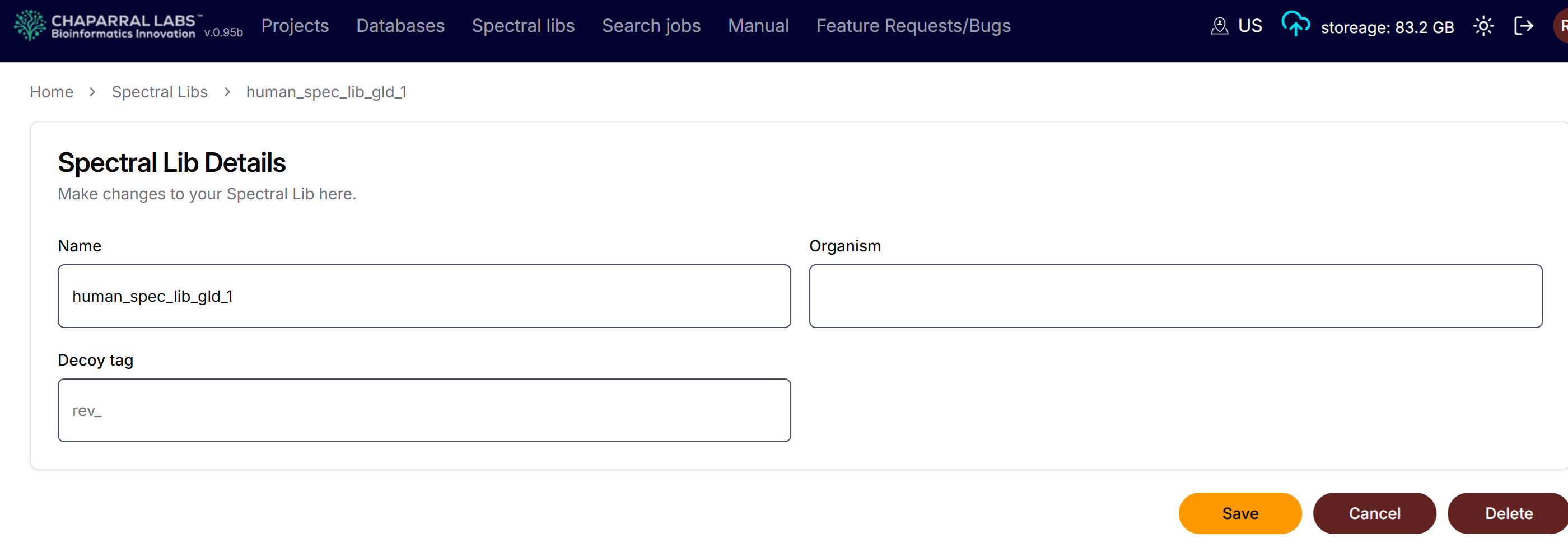
Users can assign organisms, decoy tag, or delete the spectral library.
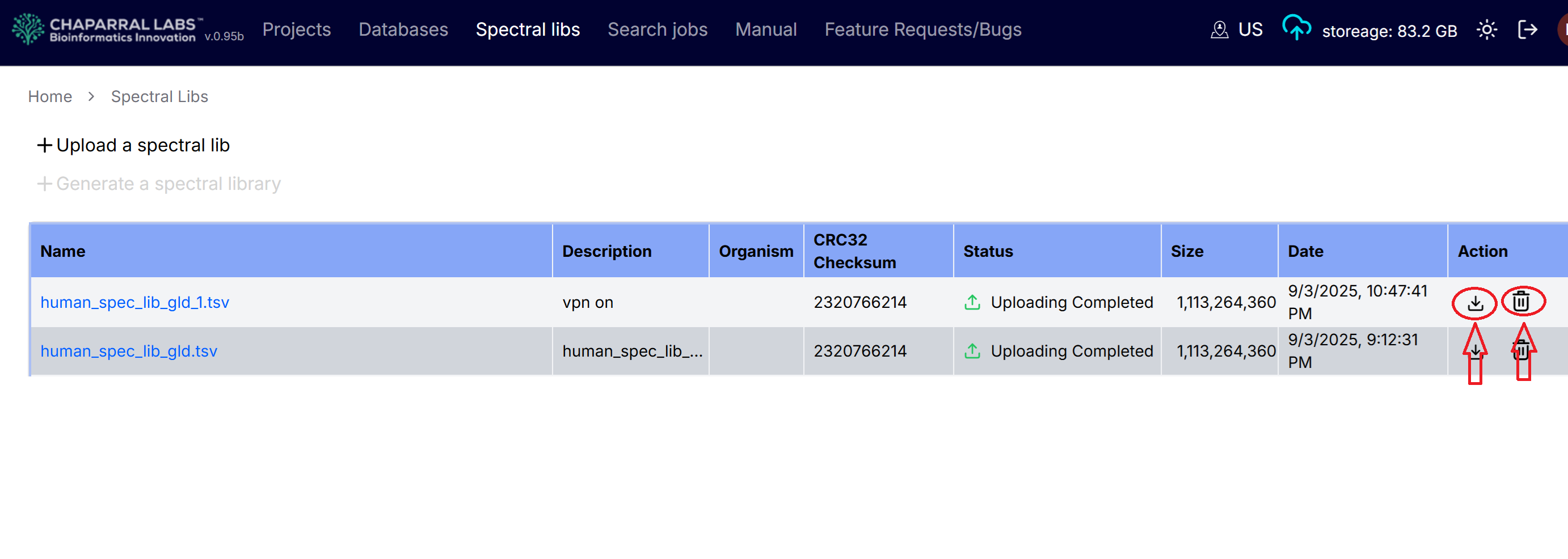
Users can download or delete the spectral library by click the download icon or delete icon in the "Action" column on the spectral lib page.