View and download results
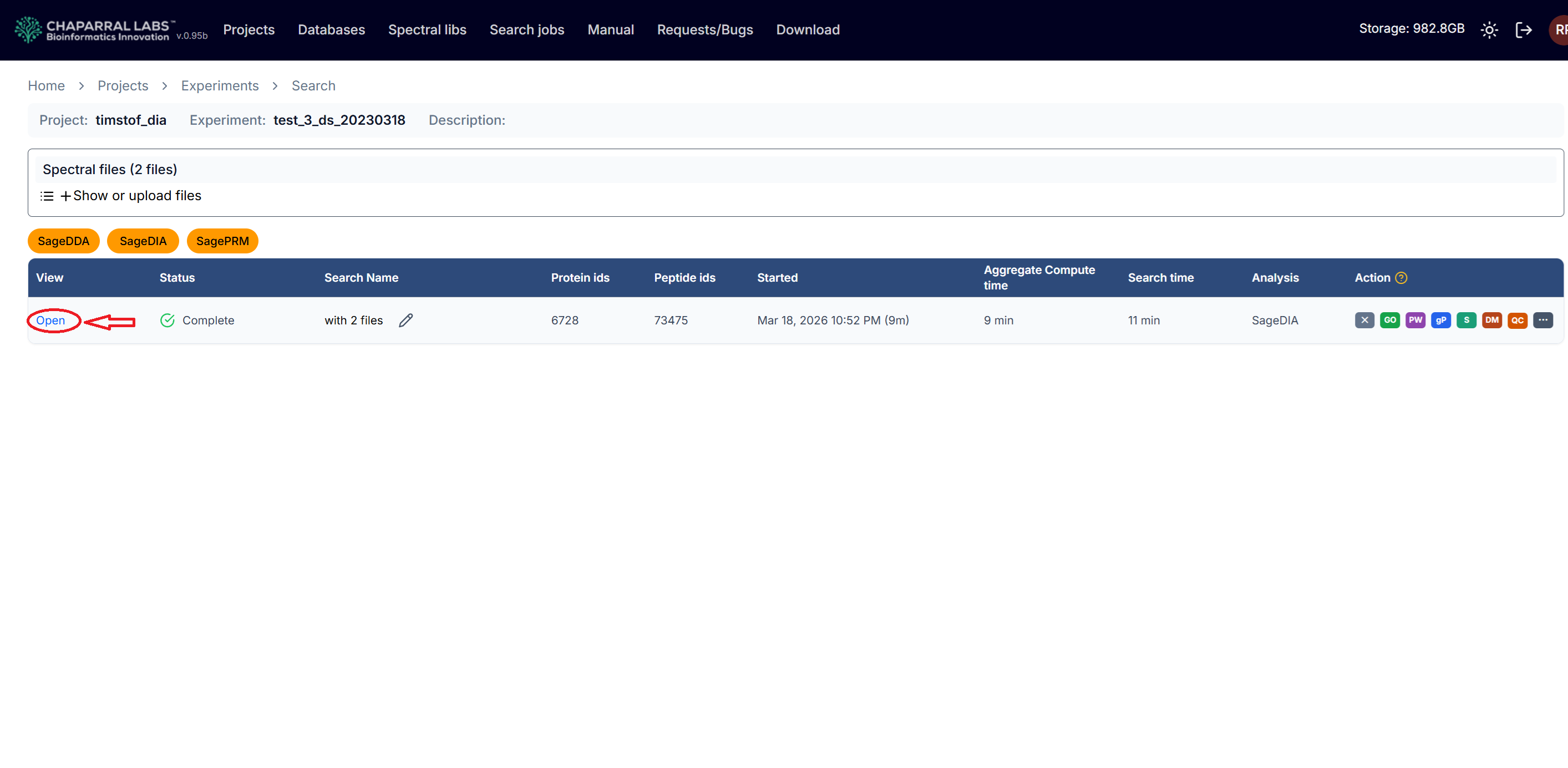
Click on an experiment, and then click on 'Open' link in the "View" column.
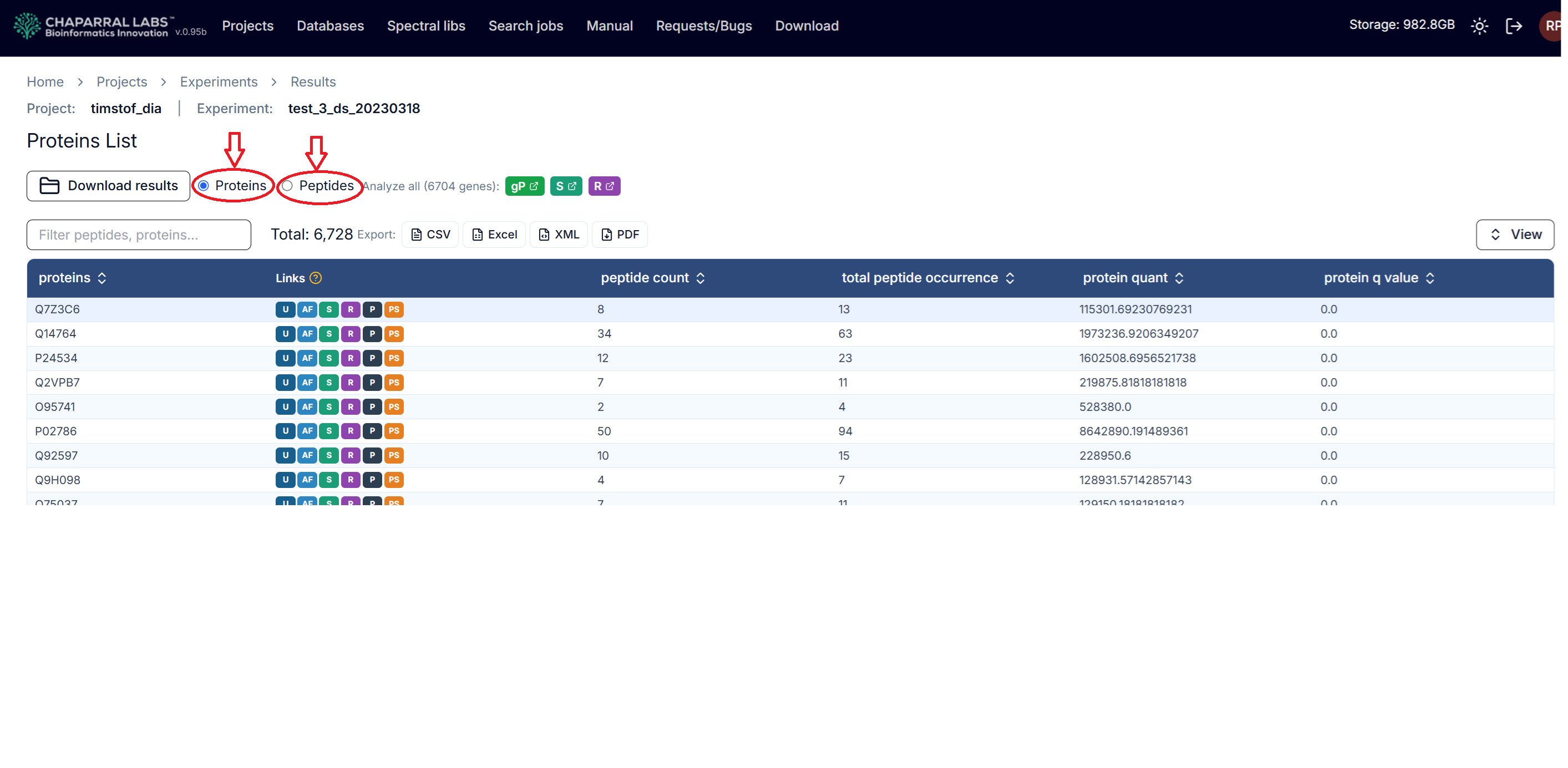
By default, it displays the protein table. Clicking the 'Peptides' radio button will display the peptide table. In the 'Links' column, there are links to various external resources, such as UniProt, Alpha Fold, Gene Cards for each protein entry.
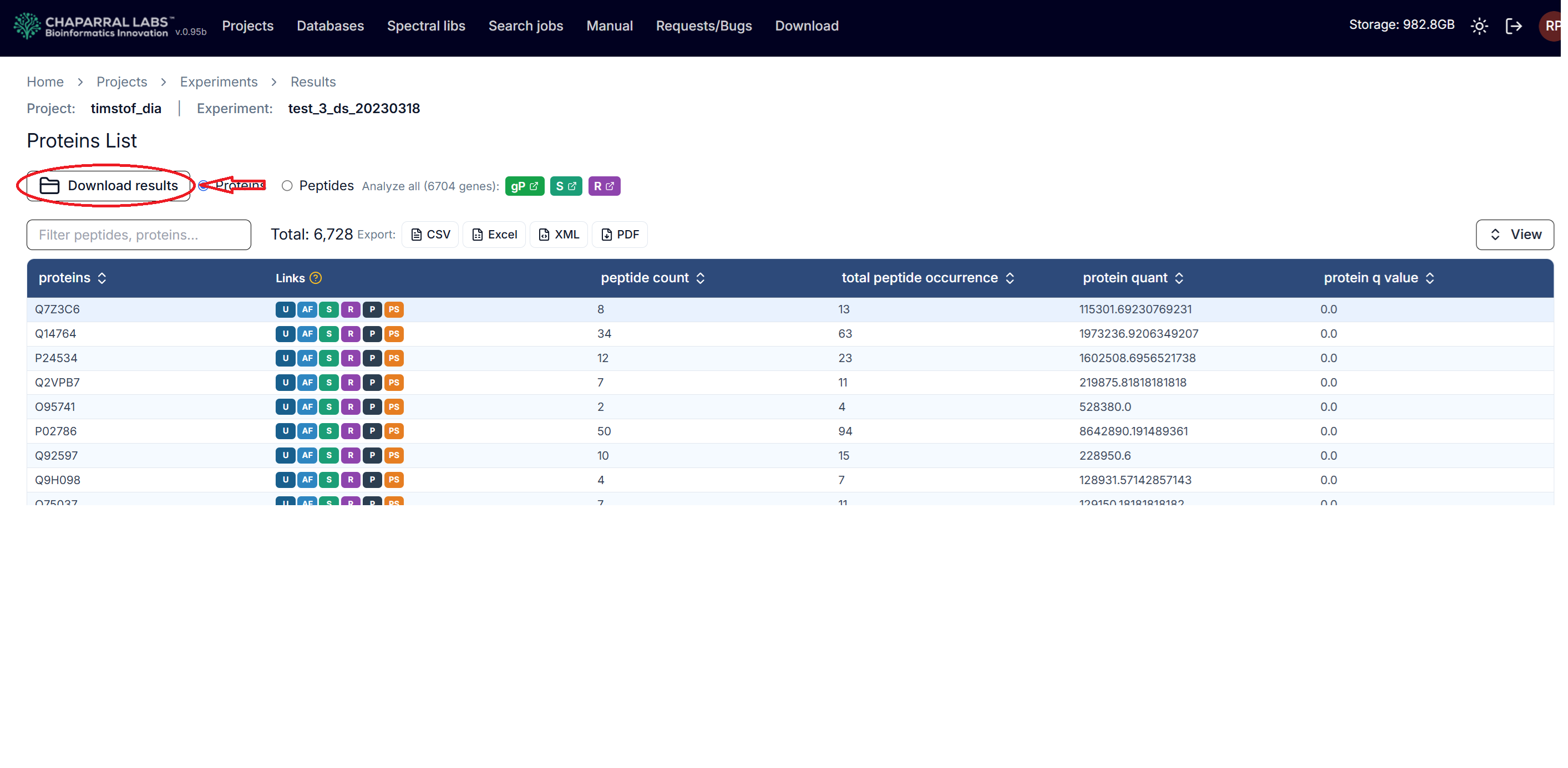
Click the 'Download results' button to download various types of result files.